
BEAUTYQUE VERSE - USER GUIDE
Welcome to Beautyque Verse, an interactive, immersive beauty shopping experience where technology, personalization, and social shopping redefine how we discover and engage with beauty.
As an early adopter, you have exclusive access to explore, interact, and help shape this platform.
Inside Beautyque Verse, you will:
✔️ Walk through a virtual beauty space and interact with products as if they were right in front of you
✔️ Engage with beauty experts and get AI-driven recommendations
✔️ Try on products using AR-powered Guided try-ons (for iOS & Android users)
✔️ Invite friends to shop alongside you in real-time
✔️ Unlock Beautyque Rewards and exclusive perks
This guide will show you how to navigate, interact, personalize, and make the most of your Beautyque Verse experience—whether you're using iOS, Android, or Oculus.
System Requirements:
Ensure your device meets the following criteria:
iOS: Version 14 or above
Android: Version 10 or above
Oculus: Quest 1, 2, and 3 (2 and 3 recommended)
Getting Started: Logging In & Setting Up Your Account
To fully experience Beautyque Verse, you need to log in or create an account. This step ensures your journey is personalized and enables:
✔️ Choose & Customize Your Avatar – Represent yourself in the Verse with a style that reflects you
✔️ Save Your Preferences – Your interactions, wishlist, and shopping experience are tailored to you
✔️ Add to Cart & Checkout – Only logged-in users can purchase and track their shopping history
✔️ Engage with Friends & Experts – Your name appears, making interactions more personal [Create or login into your account here]
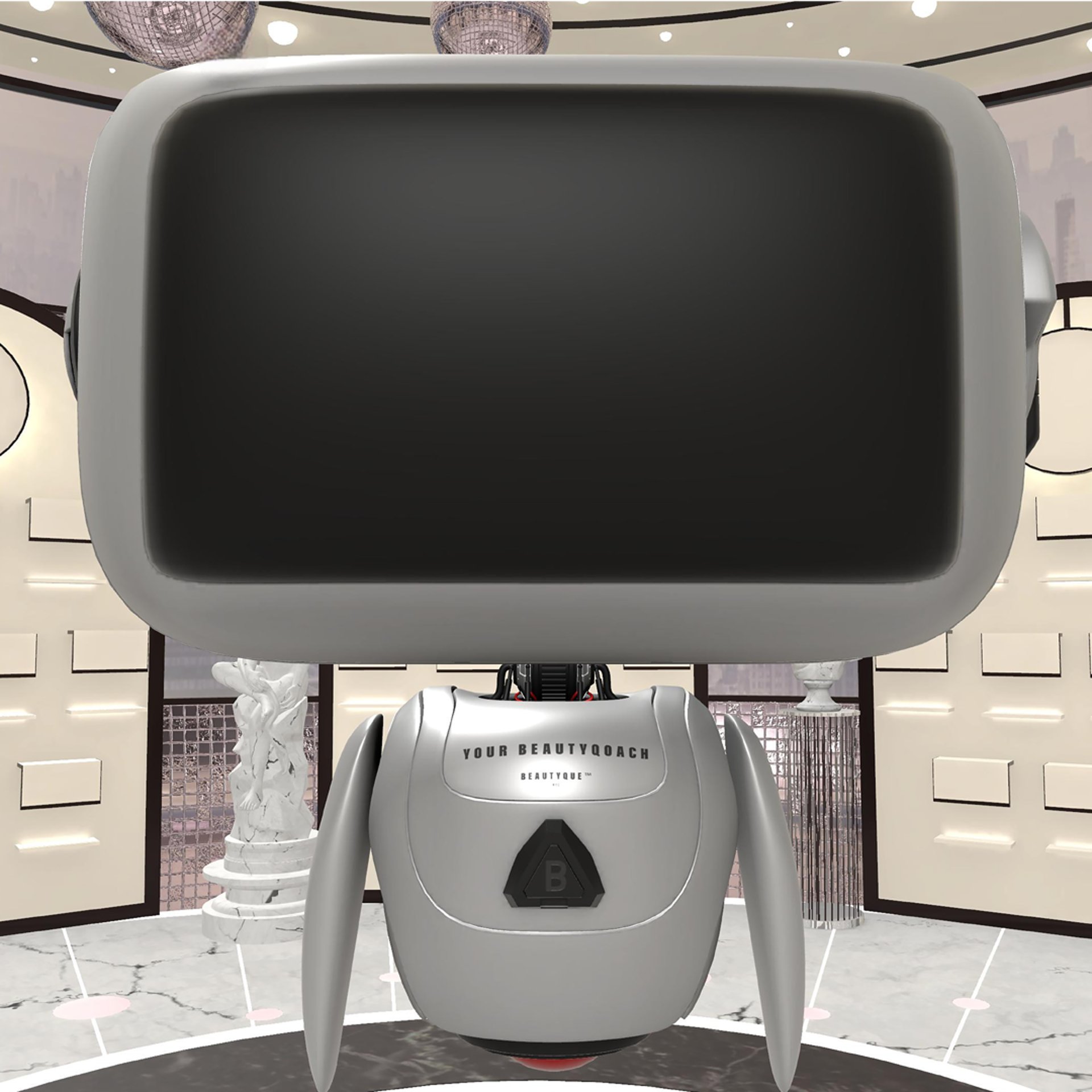
After logging in, you’ll be greeted by Amara, your BeautyQoach, who will introduce you to the space and guide you through the immersive beauty shopping experience.
Navigating Beautyque Verse
Movement & Interaction Varies by Device:
iOS & Android Users:
Tilt your phone to adjust perspective.
Tap on-screen controls to move forward.
Click on interactive icons to explore products, chat, and shop.
Oculus Users:
Use the joystick to walk around.
Turn your head or use joystick controls to adjust the view.
Point & click to interact with objects, shelves, and product menus.
Interacting with Products
Beautyque Verse allows you to engage with beauty products in a realistic and interactive way, combining 3D and 2D product experiences depending on your device.
How to Explore a Product:
✔️Walk up to a display shelf or product area.
✔️Click the Gift Bag Icon (bottom right) to open the product menu.
✔️Click on a product to view:
Brand details & ingredients
How-to-use instructions
Customer reviews
Virtual try-on option (Available for selected products on iOS & Android)
Understanding Product Interactions: 3D vs. 2D
3D Product Interaction: Currently, only one product is available in full 3D mode—the Sabrah from Sunia K Cosmetics.
Oculus Users: Experience the product in full 3D with interactive rotation & zoom.
iOS & Android Users: This product will appear in 2D format for now.
2D Product Interaction: The majority of products are available in 2D format across all devices.
View details, read product information, and add them to your cart.
Virtual Try-On Availability
The Try-On Feature in Beautyque Verse allows you to see how makeup products look on you in real-time using Augmented Reality (AR).
Currently Available For:
✔️ Stay Golden Cosmetics
✔️ Code 8 Beauty
✔️ Supported on iOS & Android only (Not yet supported on Oculus)
Guided Virtual Try-On with Beauty Experts
When a Beauty Expert is available in-store, your AR Try-On becomes a Guided Experience!
✔️ Live Beauty Experts Assist You – They walk you through shade selection & best practices
✔️ Real-Time Personalized Advice – Get recommendations tailored to your skin tone & preferences
✔️ Ask Questions & Get Expert Guidance – Just like an in-person beauty consultation
How to Use the Try-On Feature:
✔️Walk up to a Try-On Station or select an eligible product
✔️ Click "Try On" to activate AR makeup
✔️ Adjust & swipe through different shades
✔️ If a Beauty Expert is available, they will join you for a guided experience
✔️ Decide on your perfect match and add to cart
Pro Tip: Even if a Beauty Expert is not available, you can still try on products with AI-powered shade recommendations!
Purchasing a Product:
Click "Try On" (for supported products) to test shades in real-time.
Click "Add to Cart" to save your selection.
Complete your checkout in the virtual store.
Reminder: Beautyque Verse is constantly evolving, and we’re working on expanding 3D product experiences and AR try-ons for more brands. Stay tuned for updates!
Engaging with Other People & Experts
Beautyque Verse is a fully interactive, voice-based social shopping experience. Whether you're shopping with friends, meeting new beauty lovers, or consulting with a Beauty Expert, you’ll communicate in real-time, as if you're on a call while shopping together.
Social & Guided Shopping
✔️ Friends & Other Shoppers – Walk up to another avatar to start a conversation. You will hear and speak to each other in real-time just like in a physical store.
✔️ Beautyque Experts – If available, they can guide you from start to checkout, offering live recommendations and answering your questions.
✔️ Amara (AI BeautyQoach Robot) – Your AI-powered assistant provides smart product suggestions.
How to Talk & Listen in Beautyque Verse
ALL communication is by voice—this is NOT a chat or text feature. You will see other shoppers as avatars and hear them speak in real-time as they shop.
Oculus & Android Users: Your microphone is ON by default. Just walk up to someone, and you’ll automatically start hearing each other.
iOS Users: Tap the microphone icon to talk. By default, your mic is off, so you’ll need to press it when you want to speak.
Mute Feature: If you prefer not to talk, you can mute yourself anytime. You can also mute other users if you prefer a quieter shopping experience.
Shopping with Friends in Beautyque Ver
Turn shopping into a real-time social event! Invite your friends and shop together in the same virtual space, talking as you browse products.
✔️ See each other as avatars while shopping together
✔️ Talk throughout the entire journey—from browsing to checkout
✔️ Make shopping decisions together in real-time
✔️ If a Beauty Expert is available, they can guide the group
Bonus: Earn 100 Beautyque Points for every friend you invite to Beautyque Verse
Unlock Your Early Adopter Perks
As one of the first pioneers of Beautyque Verse, you get exclusive lifetime perks that make your experience even more rewarding!
Your Exclusive Benefits:
✔️ 20% Off Beautyque Verse – For Life! (No matter when or what you shop, forever.)
✔️ Your Name on the Beautyque Wall of Champions – A permanent place of recognition for our earliest adopters.
✔️ Beautyque Rewards Program:
Earn 200 Points when you complete your feedback survey.
Earn 100 Points for every friend you invite.
Redeem Points for exclusive products, experiences, and special offers!
Completing Your Purchase
✔️ Check Out Just Like a Physical Store
Walk to the checkout area inside Beautyque Verse.
Review your cart
Click "Pay Now" to complete your purchase.
Receive an email confirmation & tracking details.
COMING SOON: Video Tutorials & Visual Guides!
We're creating step-by-step visual walkthroughs to enhance your experience:
Device-Specific Navigation (iOS, Android, Oculus)
How to Interact with Products & People
Checkout & Payment Walkthrough
Stay tuned for updates—our goal is to make Beautyque Verse seamless and intuitive for all users.
Get Started & Stay Connected!
Haven’t created your Beautyque Verse account yet?
Create Your Account & Join the Experience
Need help or have questions?
Visit the Beautyque Verse Support Page : link here
Facebook Group: Engage with fellow testers and share your experiences
WhatsApp Support: Click here
Email Support: beautyqueverse@beautyque.nyc
Stay Inspired & Engage With Us!
✔️ Instagram: @BeautyqueVerse
✔️ Twitter: @BeautyqueVerse
✔️ TikTok: @BeautyqueVerse


Having trouble? Don't worry—we've got you covered! Below is a quick and effective troubleshooting guide to help you navigate any issues during your Beautyque Verse experience.
Issue: Difficulty Navigating the Virtual Space
Solution:
✔️ Refer to our step-by-step tutorial videos for guidance on movement and navigation.
✔️ For Oculus users, ensure your headset is properly calibrated.
✔️If movement is lagging, restart the app and check for updates to ensure optimal performance.
Issue: Product Interaction Not Responding
Solution:
✔️ Understand the Product Display: Only one product in Beautyque Verse is fully interactive in 3D—Sabrah by Sunia K. Cosmetique Authentique. This 3D experience is available exclusively on Oculus. All other products are displayed in 2D, but you can still explore detailed information about them.
✔️ Interacting with Products in Beautyque Verse:
Step 1: Walk up to a product display or shelf.
Step 2: Click the Gift Bag icon (bottom right corner) to open the product menu.
Step 3: To get more details on a product, click on the BeautyQoach Amara icon—this virtual assistant will provide:
✔️ Brand details & ingredients
✔️ How-to-use instructions
✔️ Customer reviews
✔️ Virtual try-on option (for select makeup products on iOS & Android)
✔️ Technical Fixes If Interaction Fails:
Ensure you are approaching the product correctly (stand near the display).
Check your internet connection—a weak signal may cause delays.
Restart the app or clear background applications if the interaction is slow.
If issues persist, reach out to our support team at beautyqueverse@beautyque.nyc for further assistance!
Issue: Chat/BeautyQoach Amara Not Responding
Solution:
✔️ Understanding BeautyQoach Amara’s Role: Amara, our AI-powered beauty assistant, is designed to provide personalized product recommendations to enhance your shopping experience. While we continue to expand Amara’s capabilities, its current function is focused on helping you discover products that match your beauty needs.
✔️ Troubleshooting Steps If Amara Is Not Responding:
Step 1: Ensure you have the latest version of Beautyque Verse installed.
Step 2: Close and reopen the chat window to refresh the conversation.
Step 3: If Amara does not respond, restart the app—this often resolves minor glitches.
Step 4: If using voice chat on Oculus, check that your microphone permissions are enabled.
If the issue persists, please reach out to our support team at beautyqueverse@beautyque.nyc for further assistance!
Issue: Social Shopping Features Not Working
Solution:
✔️ Make sure both you and your friends are on compatible devices (Oculus, iOS, or Android).
✔️ Check that your app permissions allow access to microphone and friends list.
✔️ If you cannot see friends in the Verse, restart the app and try rejoining.
Issue: Checkout Process Errors
Solution:
✔️ Confirm that your payment details are entered correctly.
✔️ If the checkout page does not load, restart the app and try again.
✔️ Check your internet connection—a weak signal may disrupt payment processing.
✔️ If the issue continues, contact beautyqueverse@beautyque.nyc for assistance.
Issue: AR Makeup Try-On Not Working Properly
Solution:
✔️ Ensure your device’s camera has permissions enabled for Beautyque Verse.
✔️ Use good lighting to enhance AR accuracy.
✔️ Restart the app to refresh the AR feature.
✔️ Note: AR Try-On is currently available for Stay Golden Cosmetics & Code 8 Beauty only and is supported on iOS & Android (not Oculus).
General Tips for a Smooth Experience
✔️ Keep your device charged to avoid interruptions.
✔️ Ensure your VR headset lenses are clean (for Oculus users).
✔️ Regularly update the app to access the latest features and fixes.
✔️ Restart the app if you experience glitches or lag.
Need Additional Help?
If you've tried these steps and still need assistance, reach out to us:
✔️ Email Support: beautyqueverse@beautyque.nyc
✔️ Live Chat: Available on our website
✔️Support Community: Join our Facebook group for real-time updates and troubleshooting tips!
As an early adopter, you are shaping the future of beauty shopping. Your insights are invaluable, and we are so grateful to have you on this journey with us!
See you in the Verse!
The Beautyque NYC Team